Navigation
- Intro
- What Are Claude Skills
- What Projects vs Cowork Projects Actually Are
- The Demo: One Piece, Skill and Project Setup
- Outro: When This Setup Is Worth It (And When It Isn’t)
TL;DR
- Claude Skills = reusable workflows
- Claude Cowork Projects = execution system with context
- Together → you move from prompting → building systems
Intro
I am sure you’ve noticed the steady rise of Claude over the past few months. Anthropic has been consistently shipping improvements, and it can get overwhelming to keep up.
The key is to focus on foundations, not every new feature.
In this series, I’ll share what actually worked for me. This is beginner-friendly, no prior Claude experience required.
In this post, we will:
- Use Skills
- Understand Cowork Projects
- Build a complete workflow
To make it fun, I built everything around One Piece.
What Are Claude Skills
If you ask Claude to generate a report, it will produce something decent.
But if you want consistent, structured output repeatedly, prompting alone is not enough.
That’s where Skills come in.
A Skill is:
- a markdown file
- a set of instructions
- a reusable workflow
Think of it like a recipe:
- ingredients → inputs
- method → steps
- output → format
Example
Instead of repeatedly prompting:
“Create a styled zine…”
You define a Skill that includes:
- layout
- typography
- structure
- styling rules
Now Claude applies it every time.
In My Demo
I use two Skills:
- docx skill → creates structured Word documents
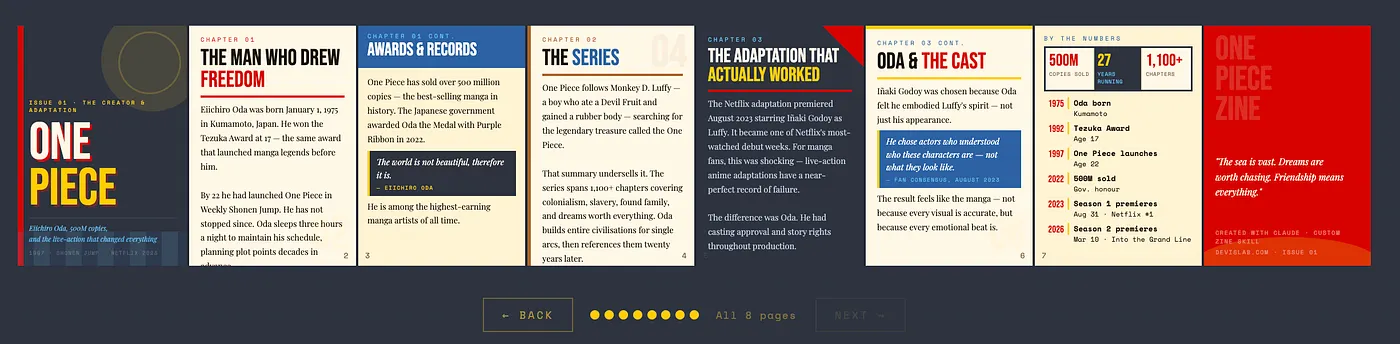
- custom zine skill → generates styled HTML zines
Together, they form a workflow.
What Projects vs Cowork Projects Actually Are
Claude introduced Projects earlier.
Now we have Cowork Projects, which are more powerful.
Key Difference
Regular Projects:
- lightweight
- good for general use
Cowork Projects:
- deeper context
- file system access
- structured workflows
How It Works
Everything lives in one place:
- Instructions → defines purpose
- Skills → reusable workflows
- Memory → persistent context
- Folders → actual files
Mental Model
Folders → where work lives
Projects → where work happens
Skills → how Claude executes
The Demo: One Piece, Skill and Project Setup
I built a complete system using One Piece as the theme.
Step 1 — Cowork Project Setup
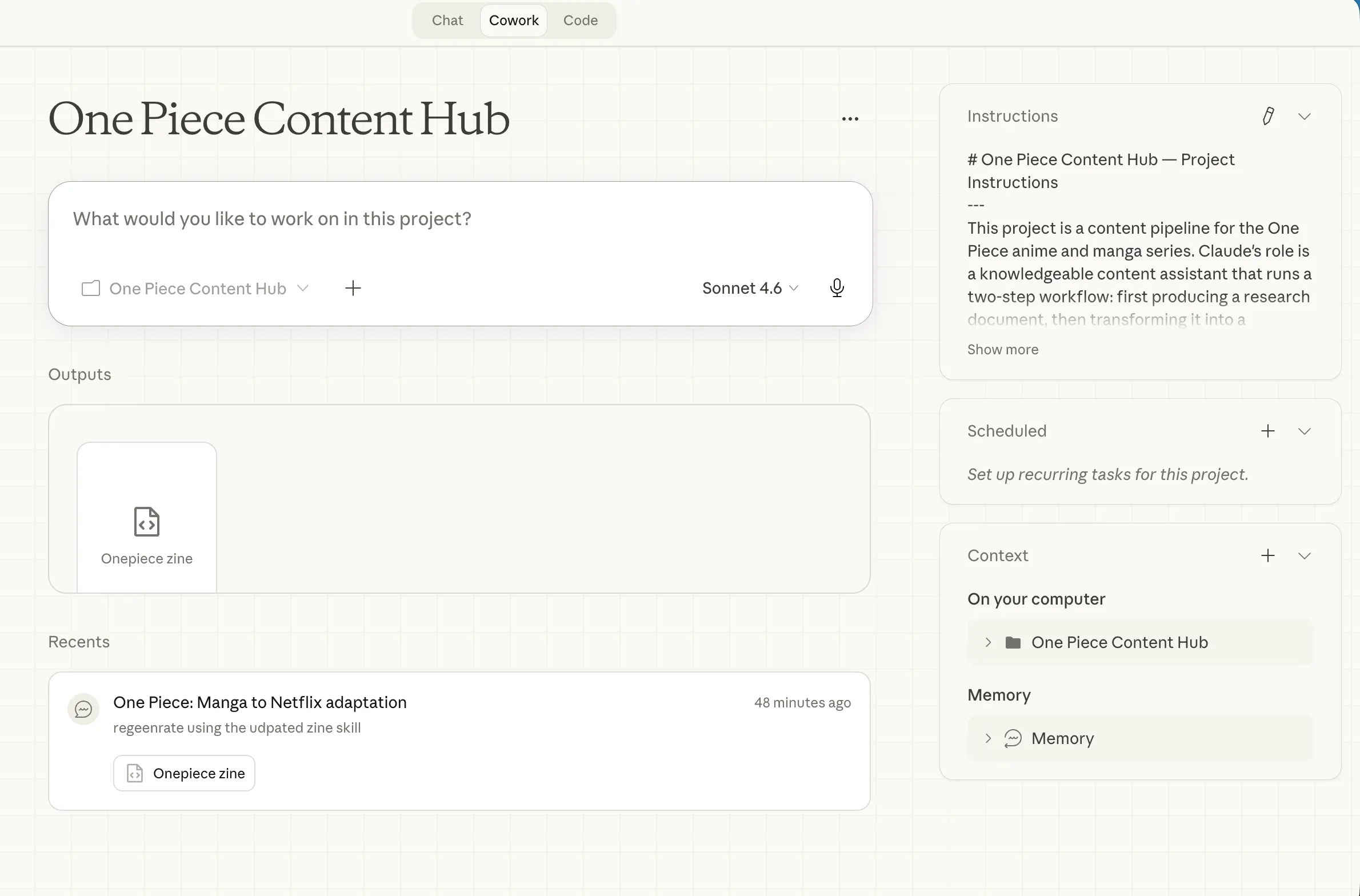
- Created project: One Piece Content Hub
- Loaded both Skills
- Defined instructions
Step 2 — Local Folder Setup
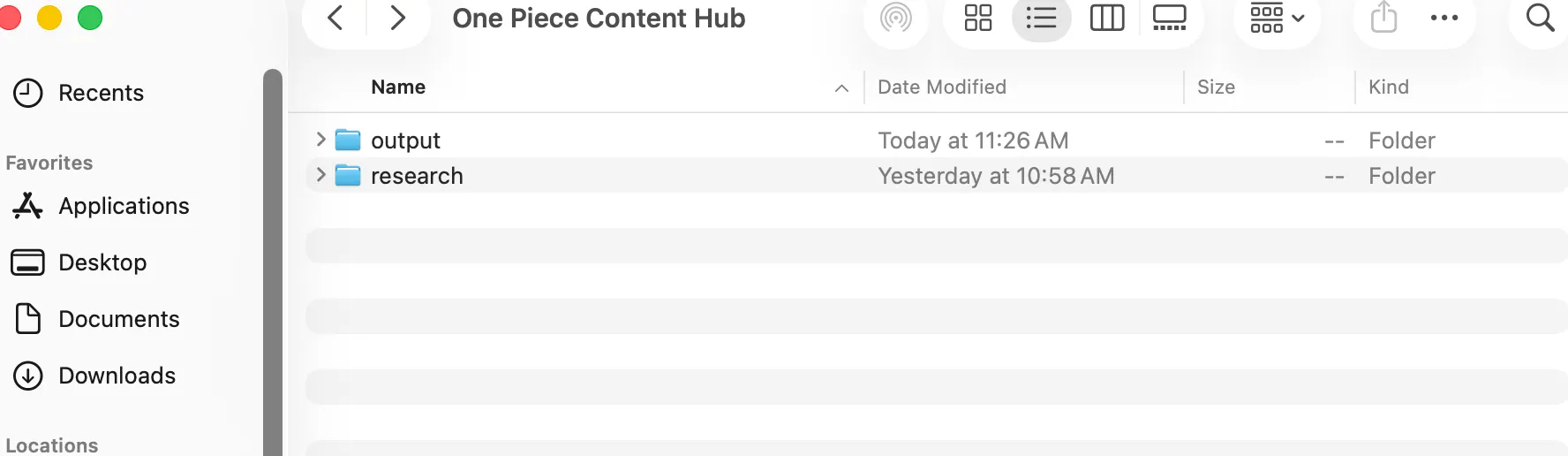
Created two folders:
research/→ intermediate outputoutput/→ final result
Step 3 — Workflow
Two-step pipeline:
Prompt 1 — Research
Create a research document about One Piece including:
- Eiichiro Oda
- manga success
- Netflix adaptation
- timeline
Output:
→ saved to research/one-piece-research.docx
Prompt 2 — Zine
Transform research into a styled zine.
Output:
→ saved to output/onepiece-zine.html
Step 4 — Interactive Zine
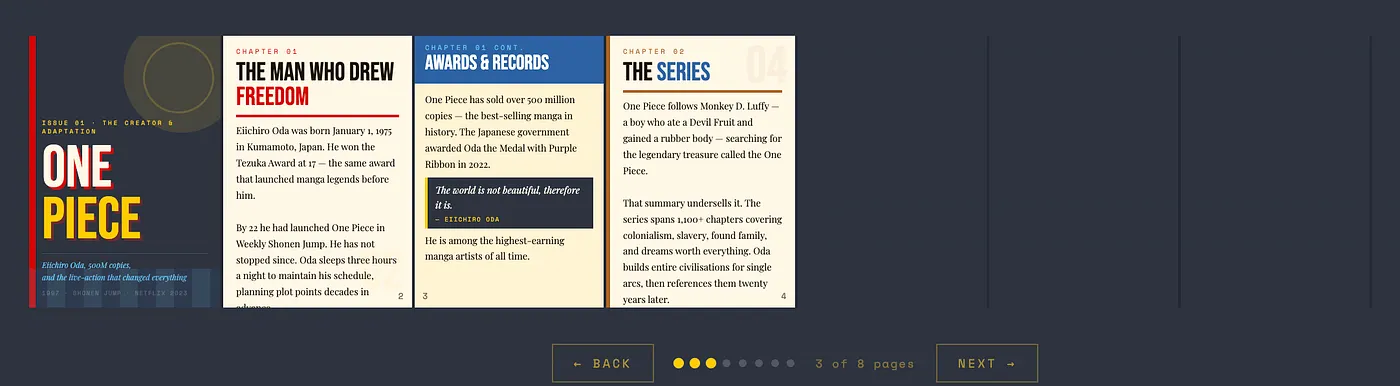
- page-by-page reveal
- themed colors
- structured layout
Step 5 — Final Output
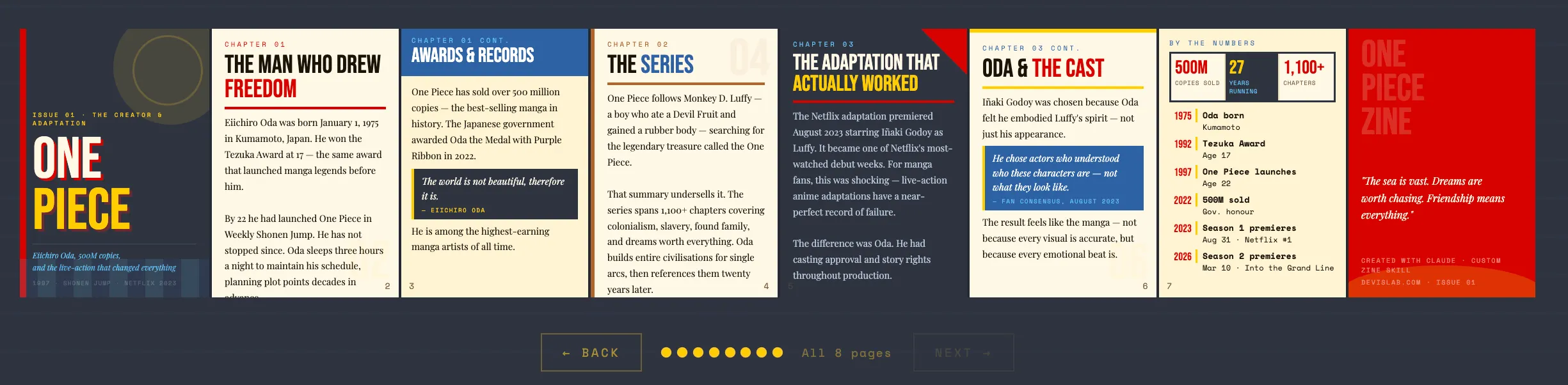
- 8-page zine
- fully styled
- reusable output
🎥 Full Demo Video
Outro: When This Setup Is Worth It (And When It Isn’t)
Use this when:
- you repeat workflows
- output format matters
- you want automation
Don’t use this when:
- quick thinking tasks
- one-off prompts
- simple outputs
Key Insight
AI becomes powerful when you move from prompting → designing systems
TL;DR (Again)
- Skills = reusable intelligence
- Cowork = execution layer
- Together = AI systems
Originally published on Medium. Updated for devislabai.com